


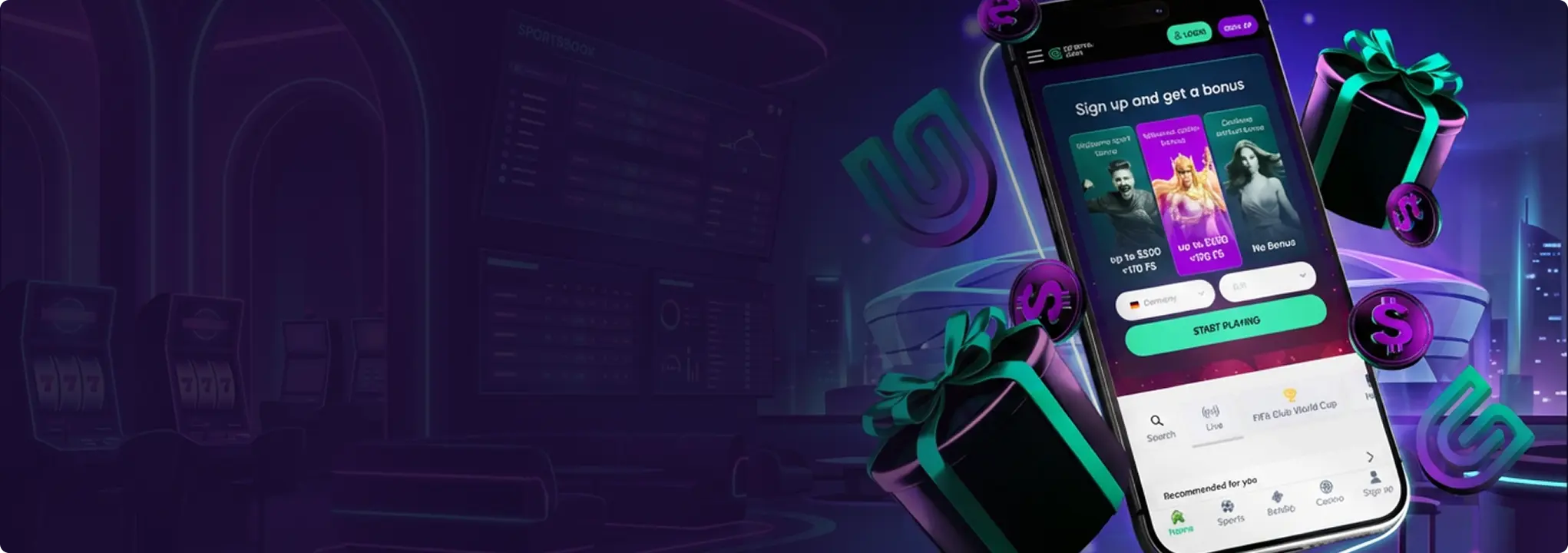
GranaWin Casino App – Mobile Play on iOS & Android
Play at GranaWin Casino on iOS & Android via a mobile-first site and home-screen shortcuts. See features, device support, web access and FAQs.
Join NowGranaWin Casino App — Play From the Comfort of Your Living Room
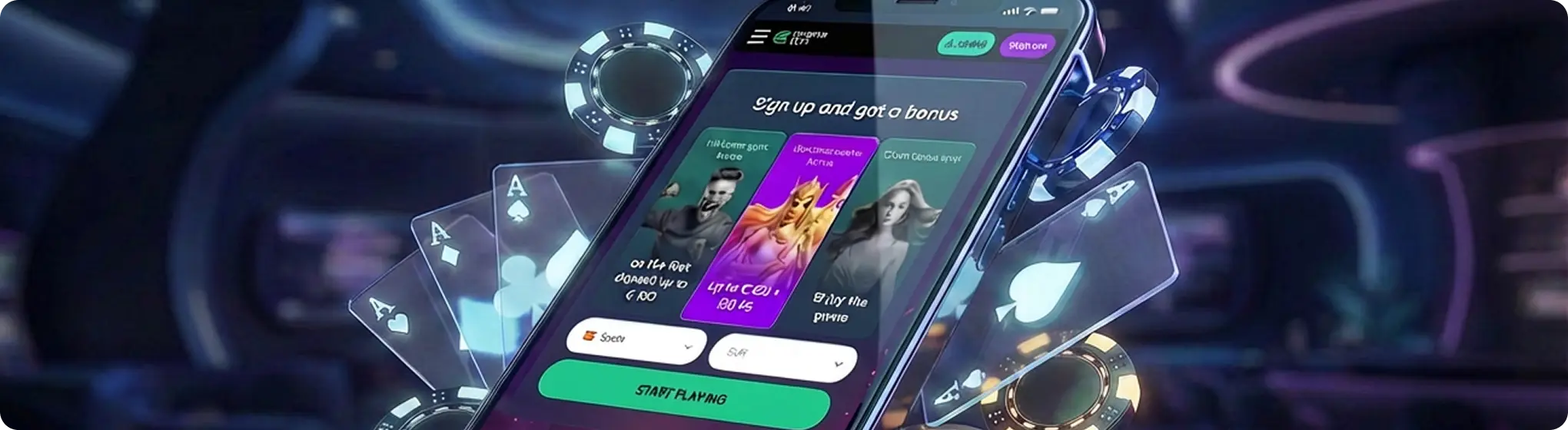
Playing at GranaWin Casino is built around a mobile-first website that behaves very much like an app when you open it in your browser or add it to your home screen. You simply log in through your usual browser and get a slick, app-like lobby with the same promotions, tournaments and banking options you see on desktop.
For many players, this setup is more convenient than a traditional store app, because it works straight away on almost any modern device without hunting through app stores or worrying about compatibility.
- One account and wallet across desktop and mobile.
- Full access to sports betting, live betting, casino and live casino from your phone or tablet.
- Menus and games are laid out specifically for touch screens.
GranaWin casino and sportsbook has no native app in the stores yet, but you will not miss it. The site is built mobile-first and runs like a slick Progressive Web App in your browser — fast loads, smooth scrolling, and the same wallet and promos as on desktop. Eager to chase a few free spins on Elvis Frog in Vegas or check in-play odds during a match? The GranaWin mobile site is designed to keep everything smooth, fast and in one place while you are on the move.
How to Use GranaWin on iOS and Android
You can use GranaWin on both iOS and Android. The approach is the same on either platform: open the site in your browser and add it to your home screen for one-tap access. Below is the full walkthrough for each, plus a note on the APK question for Android.
GranaWin Casino App for iOS (iPhone & iPad)
On Apple devices, GranaWin Casino runs through the mobile website. You can create an app-style icon and launch the site in full-screen.
How to Add Granawin as a Web App on iOS
- Open Safari on your iPhone or iPad.
- Go to the official GranaWin Casino website.
- Log in or register.
- Tap the Share icon at the bottom of the screen.
- Select Add to Home Screen.
- Name the shortcut and tap Add.
You will now see a GranaWin icon on your home screen. Tapping it opens a full-screen, app-like view of the casino without needing a separate download. Because everything runs through Safari, updates happen automatically in the background whenever the site changes. New slots, interface tweaks or promo banners simply appear the next time you open the shortcut, with no need to visit the App Store or install anything manually.
GranaWin Casino App for Android
GranaWin does not offer a Google Play app or any sanctioned installer for Android. Instead, you access everything through the mobile site, which is optimised for phones and tablets and can be turned into a one-tap shortcut.
Android home-screen shortcut
To create a web-app style icon on your home screen, follow these instructions:
- Open Chrome on your Android device.
- Visit the GranaWin Casino website.
- Log in to your account.
- Tap the three-dot menu in the top-right corner.
- Select Add to Home screen.
- Confirm the name and tap “Add”.
About Granawin APK Files
If you see a file labelled Granawin APK on third-party sites, avoid it — it is not authorised by the operator. GranaWin does not publish an Android APK, and any installer found outside the official site could include unwanted or unsafe software.
The supported approach for Android is the same lightweight browser install used on iOS: open the official site, add it to your home screen, and launch from there. This route keeps you on the genuine GranaWin domain, with the latest version always live and no extra steps to manage.
Sticking to the official website in your browser also means you keep the same features, bonuses and account access while your device’s own security tools continue to work in the background as normal.
 Download the
  Download the
 App Features & Benefits
The GranaWin mobile experience is designed to make play comfortable rather than cramped. Below are the main advantages you get once you have added the shortcut to your home screen.
Portability and Convenience
Wherever you are, the home-screen shortcut lets you manage your bets and spins quickly and discreetly.
- Play slots, table games and live casino whenever you have a stable internet connection.
- Place sports bets before kick-off or during live matches without rushing to a computer.
- Access your account, cashier and bonuses in just a few taps.
Mobile-optimised Design
The layout is built specifically for touch screens and smaller displays, so you spend less time zooming and more time playing.
- Menus are simplified for one-handed use.
- Game thumbnails are larger and easier to tap.
- Search and filters help you find favourites like Elvis Frog in Vegas, Gates of Olympus, Wolf Gold and live dealer tables.
- The bet slip and balance are always visible without taking over the whole screen.
Security and Account Protection
Combined with standard GranaWin account verification and licensing, the mobile setup offers a secure environment for play.
- Encrypted connections help protect your login and payment details.
- You can use device-level security such as Face ID, Touch ID, or an Android screen lock alongside your password.
- Sessions can be set to log out automatically after inactivity, reducing the chance of someone else opening the site on your device.
Bonuses and Notifications
Using the home-screen shortcut makes it easier to stay on top of:
- New promotions (reloads, free spins, tournaments).
- Time-limited offers like Prize Drops or seasonal events.
- VIP invitations and personalised deals.
Depending on your device settings, you can receive notifications when a new promo lands, when a tournament is about to start, or when bonus funds are credited.
Device Requirements & Compatibility
To get a smooth experience with GranaWin on mobile, your device needs to meet certain basic requirements. You do not need the newest flagship model, but very old phones or tablets may struggle with live streams and newer slots.
iOS Requirements (iPhone & iPad)
Older devices running earlier versions of iOS may still access the mobile site, but can experience slower loading times or reduced performance in live dealer games.
Operating system:
iOS 13.0 or later is recommended.
Devices:
iPhone 8 or newer, iPad 7th generation or newer, and equivalent models generally work well.
Internet:
Stable Wi-Fi or 4G/5G mobile data for live casino and streaming games.
Android Requirements
Very low-end or older devices may still run the mobile site, but some heavier slots and HD live tables can feel sluggish.
Operating system:
Android 8.0 (Oreo) or later is recommended.
Devices:
Most mid-range and higher phones from Samsung, Xiaomi, OnePlus, Google Pixel, Motorola and similar brands work without issues.
Internet:
Reliable Wi-Fi or 4G/5G for smooth gameplay and live streams.

Mobile Web Version of GranaWin Casino
Not everyone wants a home-screen icon. If you prefer to keep things simple or you share a device, the standard mobile web version of GranaWin is a solid alternative.
What You Get With The Mobile Site
The mobile site automatically adapts to your screen size, showing a touch-friendly lobby and game layout.
- Access via any modern browser (Safari, Chrome, Firefox, etc.).
- No setup, no shortcut, no extra icons.
- Same login, cashier, and bonuses as the desktop version.
- Full access to sports betting, casino and live casino.
When The Mobile Web Version Is Better
The browser version is a great option if:
- You share the device and don’t want a dedicated casino icon on the home screen.
- You prefer to clear cookies and cache more often.
- You play from different devices and like a consistent experience without adding shortcuts everywhere.
You can still add the mobile site as a home-screen shortcut on iOS or Android any time you want one-tap access — there is nothing else to install.
GranaWin Casino App – Frequently Asked Questions
Is There a GranaWin Casino App for Both iOS and Android?
Do I Have to Install Anything to Play at GranaWin?
Is It Safe to Install Granawin APK Files I Find Online?
Why Can't I Find the GranaWin App in My App Store or Google Play?
Do I Get Different Bonuses on Mobile Compared to Desktop?
How Do I Update the App?
The Site Feels Slow or Keeps Freezing. What Can I Do?
Can I Use GranaWin on Multiple Devices?
Responsible Gaming
The GranaWin mobile experience is designed for entertainment, not as a way to make a guaranteed income. When gambling moves onto your phone, it becomes easier to play “just one more round,” so it is important to set clear limits. Simple tips for playing responsibly on mobile:
- Decide on a budget before you start and stick to it.
- Avoid playing when tired, stressed or under the influence.
- Use in-account tools like deposit limits, loss limits and cool-off periods.
- Take regular breaks, especially during long live-casino or slot sessions.
If you feel your gambling is getting out of control, use the self-exclusion options in your GranaWin account and seek help from recognised gambling support organisations in your region.
GranaWin should always fit around your life, not the other way round. Because the site lives in your pocket, it helps to treat it like any other paid entertainment app: plan when you will play, how much you are prepared to spend, and when you will stop. Thinking of sessions as something you schedule — like a film or a night out — rather than something you open every time you are bored makes it much easier to keep control.